Comments

Log in with itch.io to leave a comment.

(+2)

would love a smaller canvas size (8x8, 16x16, 32x32, 64,64) and 4 shades :) kudos to what you've done so far. gonna love carrying this around in my pocket for some quick pixel art :D

(+1)

Noted! Not sure what changes are next for QR-Paint, but I’ll keep this in mind. Checked my calculations and 64x64 @ 4 shades would fit into the QR-Code data size.

(+2)

I drew a rude body part so I won't share the picture, but this was a lot of fun to mess around with haha. Nicely done.

First of all, this is absolutely brilliant. Seriously, great work! I found an instance where the game freaks out and crashes. Set the cursor to the circle creator. Also make sure the line thickness is on the thickest setting. Click ‘a’ anywhere in the canvas to start the creation of a circle, press ‘up’ once to increase the size of the circle, and then press ‘a’ again to confirm the size of the circle and create it. The game creates some crazy pattern and then crashes. Making a small circle like this with the other two thickness works fine. I’m sure this is just an extreme case. Everything else has worked perfect. Once again, I absolutely love this project.

Tried testing the printing function and despite it saying ‘printing done’ nothing happened. If I unplug the printer, it will say ‘printer not found’. The ‘printing done’ message shows up rather fast as well. 

Looking it over, I’m assuming the failure is because it’s reading from vram instead of ram. 

https://github.com/bbbbbr/gameboy_qr_paint/pull/1 


made some fixes to get it working! (I did not look into the initial issue of make a small, thick circle) this fix is only for using the printer!

Deleted 105 days ago
(+1)

Thanks, should be fixed in the next release. I thought I’d guarded against all the cases where that would happen but I found a spot I missed.

(+3)

Here's the picture I made in a few minutes 

(+1)

Yesssss!! Very happy for Wink to make an appearance. :) :)

(1 edit) (+2)

This is impressive. I'd watch a video on how it works behind the scenes
EDIT: The fill tool is VERY impressive

(1 edit) (+1)

Thanks! The flood fill is an implementation of the “span filling” algorithm described in the wikipedia link below. I made a naive flood fill first that used more memory and was noticeably slower, but this one runs pretty well.

It’s kind of fun just to make spirals/mazes and then watch it flood fill them. :)

https://en.wikipedia.org/wiki/Flood_fill#Span_filling

Most of the drawing tools are built on top of the GBDK drawing.h api, which saved a lot of time vs writing them all entirely from scratch.

(+1)

this is such a cool idea!!! a little qr code drawing 🦆
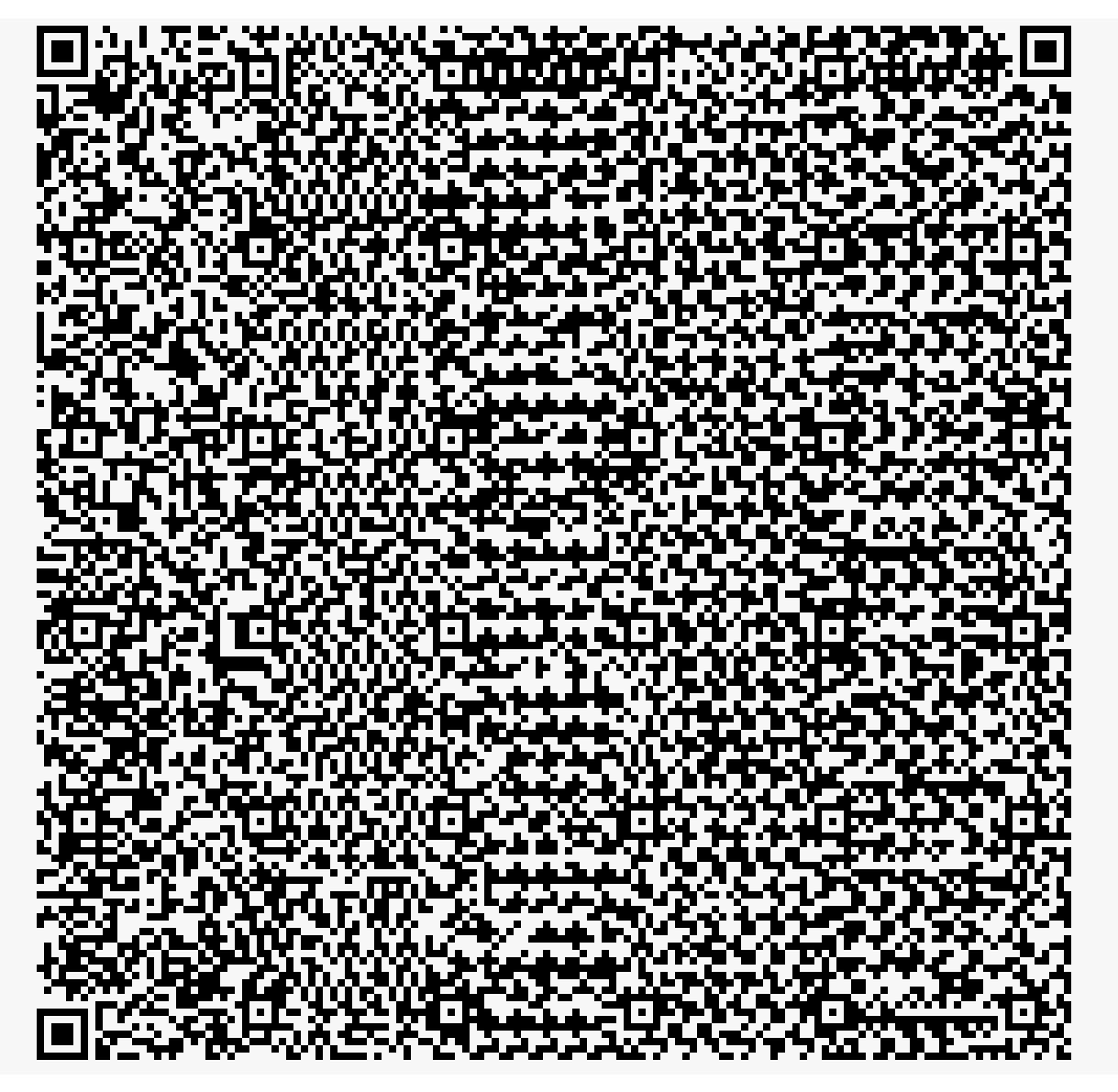
Thank you for sharing your drawing! Fun that you used the QR format. :)